

https://vufind.carli.illinois.edu/vf-nbt/
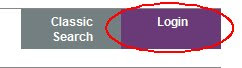
When you are in VUFind, look for the Login button in the upper right corner:
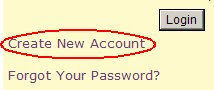
If this is the first time that you have ever logged in to VUFind, you will have to create your own account first. To create your own account, click on the Login button, then click on the "Create New Account" link:
You will now be able to create whatever username and password you want for your library account. Also make sure to fill out the "Library Catalog Profile" section -- this is where you associate your 14-digit library barcode number with your new account.
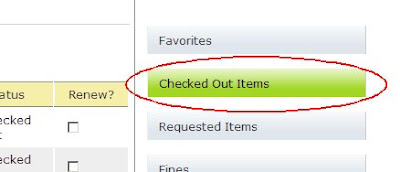
Once your account is created, you can now use your new username and password to access your library records from VUFind -- no more typing in your 14-digit barcode number every time you want to renew a book or place an online request for a book. When you are logged in to VUFind, clicking on the "Checked Out Items" button on the right brings up your list of checked out items and allows you to renew them online:
If you prefer the older, "classic" version of the online catalog, you can still use it instead. From VUFind, click on the "Classic Search" button (see the image up above), or you can always save a link to the classic version of the online catalog at https://i-share.carli.illinois.edu/nbt/.
And, yes, you can always call the library at (630)620-2104 or send us an email at library@seminary.edu for assistance with renewing items.

 Clicking on the Text Me logo will let you enter your cell phone number and service provider to receive the title and call number as a text message:
 Some people prefer this to scribbling down the call number on a slip of paper before going to the shelves to find a book. The only fee for the text message is whatever your cellular service provider charges you for receiving text messages. We hope this new feature makes the online even more convenient for you to use.